From days to hours: cloning a game skin in Unity by rewriting GUIDs
At MadSword we shipped one match-3 engine under dozens of skins for a publisher: at peak, twelve updates and two new skins a week.
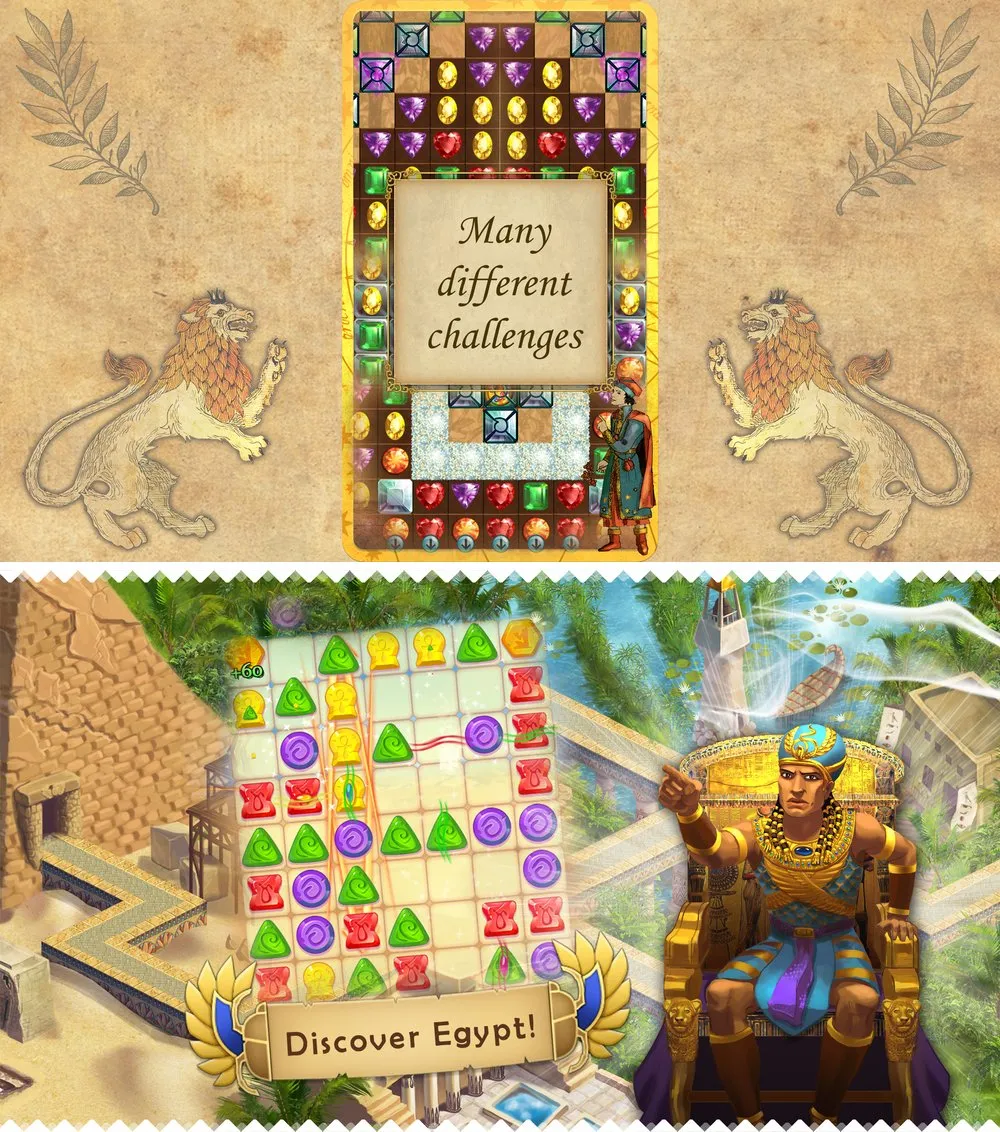
Two skins of the same match-3 engine: Clash of Diamonds (top) and Curse of the Pharaoh (bottom).
A skin was a couple of hundred assets — sprites, materials, prefabs, scenes. Unity links assets by GUID, which lives in each asset’s .meta file, so a plain copy of a skin folder still pointed at the old skin everywhere. The team rewired references by hand. It took days, and it kept breaking: something forgotten, a switch to the new skin that showed no skin at all, the wrong pictures in the wrong place.
The striking part was that nobody saw it as a problem. People had done it this way for so long that days of fiddling felt like normal work.
The fix didn’t need Unity’s API at all. Work directly with the files:
- Copy the skin folder.
- Read every
.metafile in the copy and give each asset a new GUID — keeping a map from old to new. - Go through every file in the copy — scenes, prefabs, materials — and replace each old GUID with its new one.
It became Smart Duplicate in our shared Engine: right-click a skin folder, press Ctrl+Alt+D. It first switched the project to text serialization so every scene and prefab could be edited as plain text, then rewrote GUIDs across fifteen kinds of Unity files — scenes, prefabs, materials, animations, controllers, fonts and more.
Now every internal link pointed inside the new skin. I worked out the algorithm and walked a developer through it step by step; he wrote the script in a day.
After that, a new skin meant a couple of hours of dropping in new pictures. Testing got simpler, fewer things broke, and the team shipped faster.
The lesson: look for the work your team has stopped noticing. The most expensive manual steps are often the ones everyone has accepted as “just how it’s done”.